
e marker cables
E-Marker Cables in Pakistan – 100W to 240W Fast Charging USB-C Cables
Why Your Charging Cable Actually Matters
Most people don’t think twice about their charging cable — until it stops working properly or their laptop just won’t charge past a certain speed. Truth is, a huge chunk of USB-C cables sold in local markets skip the one part that actually makes fast charging possible: the e-marker chip. Without it, you’re stuck at 60W no matter how good your charger or laptop is.
An e-marker (or “electronically marked”) cable has a small chip built right into the USB-C connector. This chip basically has a conversation with your charger and device, telling them how much power and data the cable can actually handle. So if you’ve bought a 65W or 100W charger and your laptop still charges slow, there’s a good chance the cable is the weak link, not the charger.
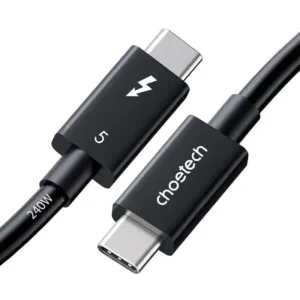
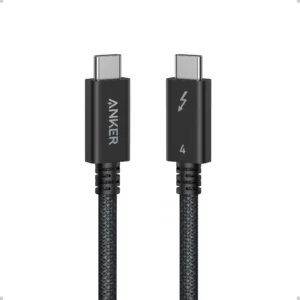
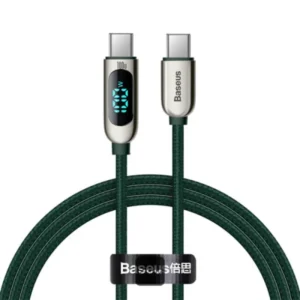
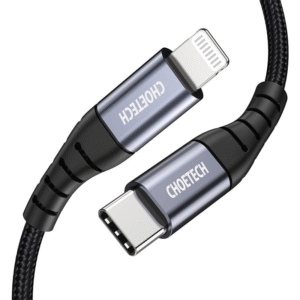
Here we’ve stocked brands that people in Pakistan already know and trust — Anker, Baseus, UGREEN, Choetech, Aukey, Vention, Mcdodo, Fonepro, plus a few budget-friendly options for anyone who doesn’t want to spend too much but still wants a cable that won’t die in two weeks. Need a 100W PD cable for daily laptop charging? A 240W EPR cable for one of the newer high-power laptops? Or a USB4 cable for shifting large video files or hooking up a 4K monitor? It’s all here, with delivery to Karachi, Lahore, Islamabad and pretty much everywhere else in Pakistan.
A few popular picks:
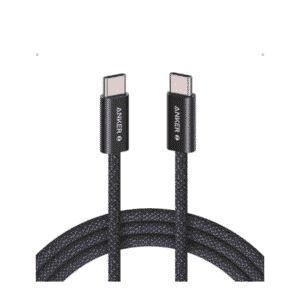
- Anker 100W / 140W USB-C to USB-C cables
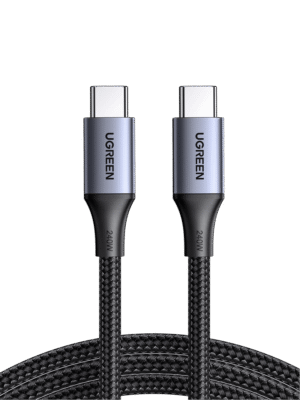
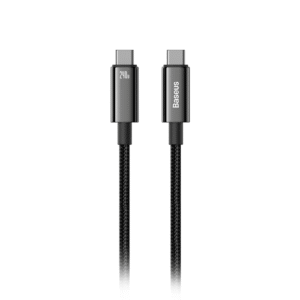
- Baseus 240W E-marker fast charging cables
- Fonepro budget-friendly 100W PD cables
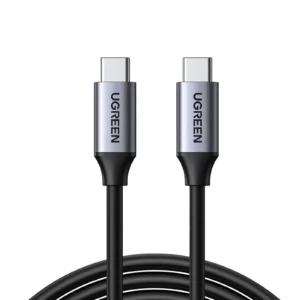
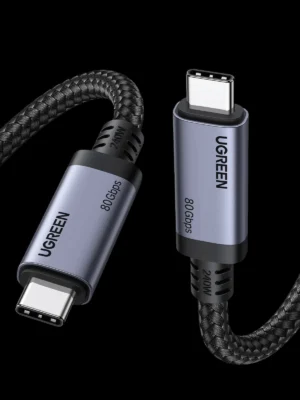
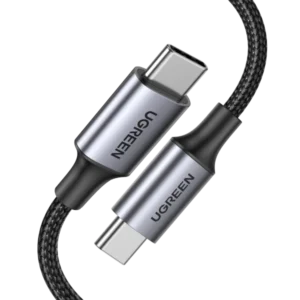
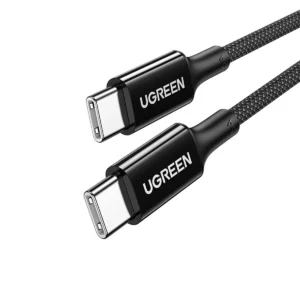
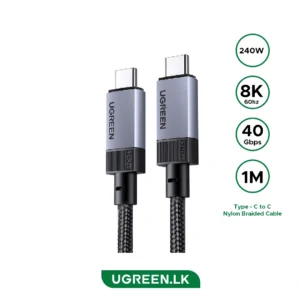
- UGREEN USB4 40Gbps data cables
- Choetech PD 100W braided cables
Cash on delivery is available in most cities
Frequently Asked Questions
Q1: What does an e-marker chip actually do?
It’s a small chip sitting inside the USB-C plug that tells your charger and device what the cable can handle — power-wise and data-wise. No chip, and the cable usually maxes out at 60W.
Q2: How can I tell if a cable is genuinely e-marked, or if it’s just a claim on the box?
Look for actual numbers — 100W, 140W, 240W, or data speeds like USB 3.2, USB4, Thunderbolt. If a listing just says “fast charging” with nothing specific, be a little skeptical.
Q3: I have a 240W charger — will a 100W cable still work?
It’ll work, but you won’t get past 100W. The cable becomes the bottleneck, so you’d need a cable actually rated for 240W to use the full power.
Q4: Which brand should I go for if I’m charging a MacBook or a gaming laptop?
Anker and Baseus are the go-to names for higher-wattage laptop charging. If you want data transfer too, UGREEN’s USB4 cables handle both charging and speed pretty well. Fonepro’s a solid, cheaper option if you just need reliable daily charging.
Q5: Do these cables help with data transfer too, or only charging?
Depends on the cable. Some are built purely for charging (fewer wires inside), while others also carry the extra wiring needed for USB 3.2, USB4, or Thunderbolt speeds — worth checking before you order.
Q6: Is COD available?
Yes, cash on delivery works in most major cities, along with card and online payment.
Q7: What’s a reasonable price for one of these cables in Pakistan?
Basic 100W e-marked cables generally start somewhere around Rs. 800–1,500. Go for 240W or USB4/Thunderbolt cables from brands like Anker or UGREEN, and the price climbs depending on length and build.
Showing all 19 resultsSorted by latest
 ₨2,699.00 Select options This product has multiple variants. The options may be chosen on the product page
- Price range: ₨2,617.07 through ₨3,350.00 Select options This product has multiple variants. The options may be chosen on the product page

Showing all 19 resultsSorted by latest