
Charging Cables
Showing 1–20 of 78 resultsSorted by latest
- Original price was: ₨4,999.00.₨4,499.00Current price is: ₨4,499.00. Select options This product has multiple variants. The options may be chosen on the product page
- Original price was: ₨3,499.00.₨2,999.00Current price is: ₨2,999.00. Select options This product has multiple variants. The options may be chosen on the product page
- Original price was: ₨2,999.00.₨2,499.00Current price is: ₨2,499.00. Select options This product has multiple variants. The options may be chosen on the product page
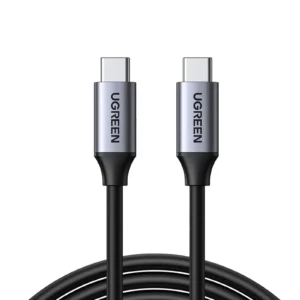
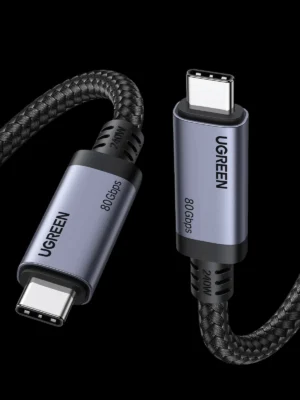
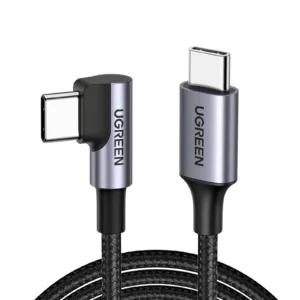
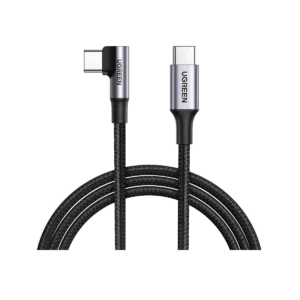
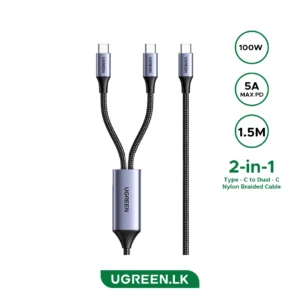
Showing 1–20 of 78 resultsSorted by latest
Buy Charging Cables Online in Pakistan | FonePro
Stay powered up with genuine charging cables from top brands like Anker, Samsung, and Apple, exclusively at FonePro. Whether you need a USB-C, Lightning, or Micro-USB cable, our collection ensures fast charging and reliable data transfer for all your devices.
Our Range of Charging Cables Includes:
- Apple Charging Cables (MFi-Certified): Lightning to type-C, Lightning to USB-A, and MagSafe-compatible options for iPhone, iPad, and AirPods.
- Samsung Type-C Cables: Official fast-charging Type-C to Type-C and Type-C to USB-A cables for Galaxy phones and tablets.
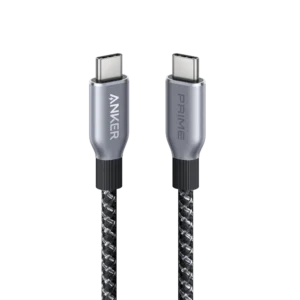
- Anker Prime Cables: Braided, extra-durable cables built for long-term use and faster charging.
- Universal Micro-USB Cables: Reliable options for older Android phones, cameras, and accessories.
- Baseus & Other Premium Brands: Stylish and long-lasting cables with advanced protection and quick-charge support
Charging Cables Price in Pakistan
Here is FonePro latest charging cable collection.
| Charging cable | Listed price |
|---|---|
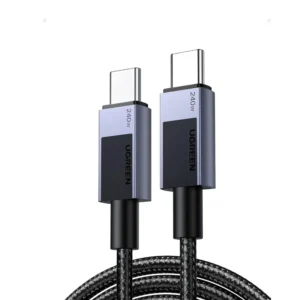
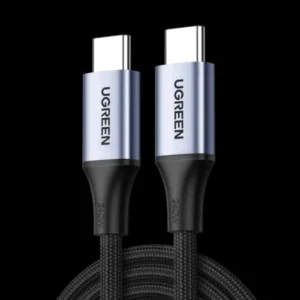
| UGREEN 45067 USB-C to USB-C 240W | Rs. 2,099 |
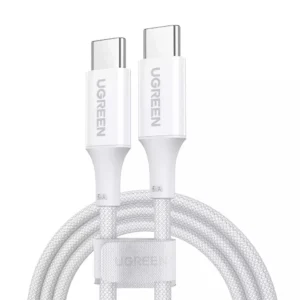
| UGREEN 15267 USB-C to USB-C 1m | Rs. 2,399 |
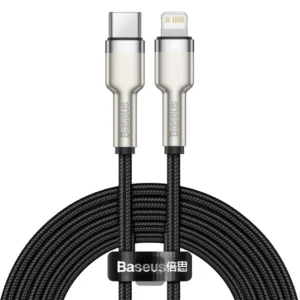
| Baseus Cafule USB-C to Lightning PD 20W 2m | Rs. 2,299 |
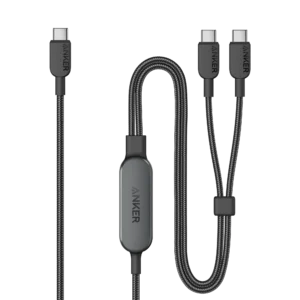
| Anker 140W 2-in-1 USB-C Cable A8895 | Rs. 5,299 |
| UGREEN 100W USB 3.1 Cable 50751 | Rs. 2,799 |
| UGREEN Gen4 240W USB-C Cable 65383 | Rs. 11,499 |
| UGREEN 240W PD3.1 USB-C Cable 90440 2m | Rs. 2,899 |
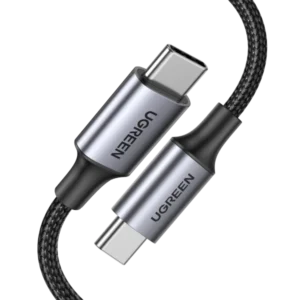
| UGREEN 100W Aluminum Braided Cable 70428 | Rs. 2,199 |
| Anker 643 USB-C to USB-C Cable 240W | Rs. 2,499 |
| UGREEN 100W USB-C to USB-C Cable 70429 | Rs. 2,999 |
Best Charging Cable Brands: Anker vs UGREEN vs Baseus
Anker, UGREEN, Baseus are popular third-party charging cable brands. All three offer best cables for smartphones, tablets and laptops.
Anker Cables: Best for Everyday Use and High-Power Charging
Anker charging cables feature PPS Control and E-Marker cables, which are used for high data transfer. Two or three models are currently listed for high-end phone use. You can visit the Anker Cables category and the Charging Cables category.
Its 240W USB-C cables are suitable for compatible laptops and other USB-C devices. They can also charge Type-C iPhones, but the phone will only draw the power it supports.
UGREEN Cables: Best for Multiple Devices and Laptop Compatibility
UGREEN offers a broad selection of USB-C cables, Lightning cables, braided cables, right-angle cables and high-speed data cables.
60-watt, 100-watt, and 240-watt USB-C to USB-C cables are available in Ukraine right now; they are for fast data transfer and laptop charging and are compatible with other devices like Gear VR, etc. If you want to use it on Meta Quest, then there is a cable for that too.
Consider UGREEN if you need one cable for a phone, tablet and laptop, or if you want a particular combination of charging power and data speed.
FonePro options include:
- UGREEN 45067 240W USB-C to USB-C Cable
- UGREEN 50751 USB 3.1 100W Cable
- UGREEN 90440 240W USB-C to USB-C Cable
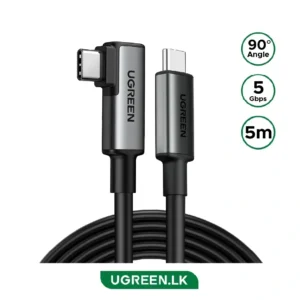
- UGREEN 70645 Right Angle 100W Cable
Baseus Cables: Best for Different Cable Designs
Baseus offers many Type-C cables, Lightning cables, braided cables, retractable cables, and multi-connector options.
There are a lot of cable options in the base range, including Type-C to Lightning cable, Type-C to USB-C to Type-C, and original cables, which are 60 watts, 21 watts, 35 watts, 65 watts, and 100 watts. All of these options are available on the fonepro.
Which Cable Is Best for Your iPhone: Anker, UGREEN or Baseus?
The best cable for your iPhone charging port.
iPhone 15, 16, 17 and 18 Series
These iPhones use USB-C charging. Choose a USB-C to USB-C cable from Anker, UGREEN or Baseus.
For everyday charging, a good-quality USB-C cable rated for 60W is more than sufficient for many iPhone users. A 100W or 240W cable is also compatible with many devices.
For iPhone 17 and iPhone 18 models, consider these options:
- Anker USB-C to USB-C 240W Cable
- Anker 643 USB-C to USB-C 240W Cable
- UGREEN 45067 USB-C to USB-C 240W Cable
- UGREEN 90440 USB-C to USB-C 240W Cable
- Baseus USB-C to USB-C 100W Cable
If you own an iPhone 17 Pro or iPhone 18 Pro and regularly transfer large video files to a computer or external storage, choose a USB-C cable that supports USB 3 data speeds. A cable can support 240W charging and still have only USB 2.0 data speeds.
Older iPhone Models with Lightning
If your iPhone has a Lightning port, you need a USB-C to Lightning or USB-A to Lightning cable, depending on your charger.
Suitable options include:
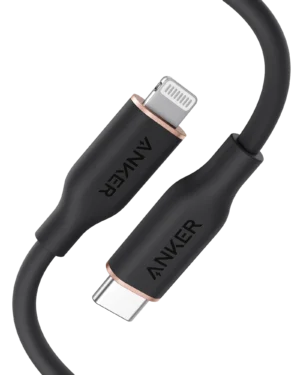
- Anker 641 USB-C to Lightning Cable
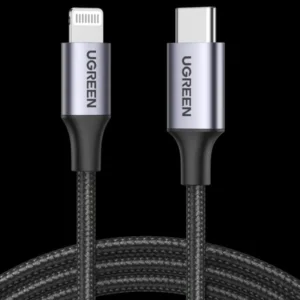
- UGREEN USB-C to Lightning Cable
- Baseus Cafule USB-C to Lightning PD Cable
For older Lightning iPhones, look for Apple MFi-certified third-party cables when applicable. MFi certification is relevant to Lightning accessories, not USB-C to USB-C cables.
Anker vs UGREEN vs Baseus for iPhone
Anker is a strong choice for durable daily use and high-power USB-C charging. UGREEN is worth considering if you also need laptop compatibility or faster data transfer. Baseus offers useful cable designs and different lengths.
There is no automatic charging advantage from choosing one brand over another. Check the cable’s exact model, connector, power rating and data specifications.
Are 240W Charging Cables Supported by iPhones?
Yes. A compatible type-C to type-C 240W cable can charge type-C iPhones, also iPhone 15 and later models.
A 240W cable is designed to handle up to 240W under supported USB Power Delivery conditions. Your iPhone does not automatically receive 240W. It draws only the power supported by its charging hardware and the connected adapter.
Which USB-C Cable Is Best for Your Laptop?
Laptop charging requires more power than most smartphone charging. The correct cable depends on your laptop’s USB-C charging requirement.
60W USB-C Cable
A 60W cable is suitable for compatible low-power devices and some laptops, including certain MacBook Air configurations.
It is not enough for every laptop. Check your laptop’s original adapter wattage and USB-C charging requirements.
100W USB-C Cable
A 100W cable is a practical choice for many USB-C laptops, tablets and phones.
Consider a 100W cable if you use a MacBook Air, a compatible Windows laptop or a USB-C docking setup that requires up to 100W.
140W USB-C Cable
A 140W cable is useful for compatible high-power laptop charging. Make sure the charger and laptop also support the required USB Power Delivery profile.
240W USB-C Cable
A 240W cable is designed for high-power USB-C charging under USB PD 3.1 EPR. It is a good option if you use a high-performance laptop or want more charging capacity for future devices.
However, a 240W rating alone does not guarantee fast data transfer. Check whether the cable supports USB 2.0, USB 3, USB4, or Thunderbolt.
What Is an E-Marker Chip in a Type-C Cable?
E-Marker (electronically marked) chip is a tiny integrated circuit inside the connector head of a USB Type-C cable that acts as the cables digital identity card
E-Marker chips are especially important for high-current USB-C cables.
When Do You Need an E-Marker Cable?
A standard USB-C cable rated for up to 3A can support up to 60W at 20V.
For USB-C cables designed to carry 5A, an E-Marker is required. This is important for cables rated above 60W, such as 100W and 240W models.
Why Is E-Marker Important?
- Identifies the cable’s supported current and power capabilities.
- Helps compatible chargers and devices negotiate suitable power delivery.
- Is required for 5A USB-C cables.
- Helps distinguish high-power cables from ordinary charging cables.
Does Every 240W Cable Have an E-Marker?
A properly designed and compliant 240W USB-C cable requires an E-Marker because it operates at up to 5A under USB PD 3.1 EPR.
Do not choose a cable based only on a printed 240W claim. Check the manufacturer’s model specifications and compliance information.
Best Charging Cables for Samsung and Other Android Phones
Samsung and other Android phones use different charging technologies. Choosing the correct cable is important if you want to achieve the charging speed supported by your device.
Samsung Galaxy Phones
For many modern Samsung Galaxy phones, a USB-C to USB-C cable is the right choice.
If your phone supports Super Fast Charging, check that the charger supports USB Power Delivery PPS and that the cable has the required current rating.
For 45W Samsung charging, use a compatible 5A USB-C cable with E-Marker support and a suitable PPS charger.
Anker and UGREEN USB-C cables can be suitable alternatives when their specifications match the phone and charger requirements.
Xiaomi, Redmi and POCO Phones
Many Xiaomi, Redmi and POCO models use USB-C charging, but their fast-charging requirements differ.
Some models use proprietary high-power charging systems that require a compatible Xiaomi adapter and cable to achieve their maximum advertised speed.
A standard 100W or 240W USB-C cable does not guarantee the phone’s full proprietary charging speed.
OnePlus Phones
OnePlus uses different charging technologies across its product range. Some models require a compatible SuperVOOC adapter and cable for maximum charging speed.
A third-party USB-C cable may still charge the phone, but maximum charging performance depends on compatibility with the phone’s charging system.
Google Pixel Phones
Google Pixel phones support USB-C charging and compatible USB Power Delivery chargers.
A quality USB-C to USB-C cable from Anker, UGREEN or Baseus is suitable for everyday charging, provided it supports the required power rating.
USB-C Cable Buying Guide: What Should You Check?
Before purchasing a charging cable, check these five details.
1. Connector Type
Choose the correct connector for your device and charger.
USB-C to USB-C: Modern iPhones, Android phones, tablets and laptops.
USB-C to Lightning: Older Lightning iPhones and compatible Apple devices.
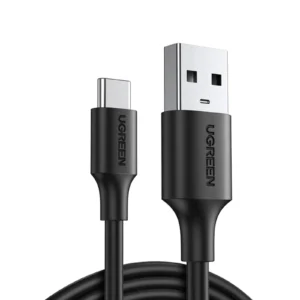
USB-A to USB-C: Older USB-A chargers and computers connecting to USB-C devices.
USB-A to Lightning: Older Apple chargers and Lightning iPhones.
Micro-USB: Older Android phones and accessories that still use Micro-USB.
2. Charging Wattage
Choose a cable that supports the power your device requires.
60W: Suitable for many phones, tablets and some laptops.
100W: Suitable for many laptops and multi-device charging setups.
140W: Useful for compatible higher-power laptop charging.
240W: Designed for high-power USB-C devices that support USB PD 3.1 EPR.
3. Data Transfer Speed
Do not confuse charging power with data speed.
USB 2.0: Up to 480Mbps.
USB 3.2 Gen 2: Up to 10Gbps.
USB4 and Thunderbolt: Support higher data rates and additional functions depending on the cable specification.
If you transfer large videos, connect external SSDs or use a docking station, check the cable’s data speed before purchasing.
4. Cable Length and Material
A 1m cable is convenient for everyday use. A 2m cable provides more flexibility near a bed, desk, or sofa.
Braided cables can offer additional protection against everyday wear, while silicone cables are often more flexible.
5. Brand and Product Specifications
Choose a cable from a reputable brand and check the exact model number. Do not assume that every cable from the same brand supports the same charging speed or data transfer rate.
Where to Buy Genuine Charging Cables in Pakistan?
Genuine and huge cable options at FonePro. charging cable collection includes Type-C to type-C, Type-C to Lightning, USB-A to USB-C, high-watts cables and laptop-supported options.