

Edifier MR3 2.0 Monitor Speaker System: Hear What’s Real
Key Features Designed for Creators
- Hi-Res Certified Audio: The MR3 is certified for Hi-Res Audio, meaning it can reproduce sounds up to $40\text{kHz}$—twice the range of standard speakers. This results in far more detail and realism in the high frequencies.
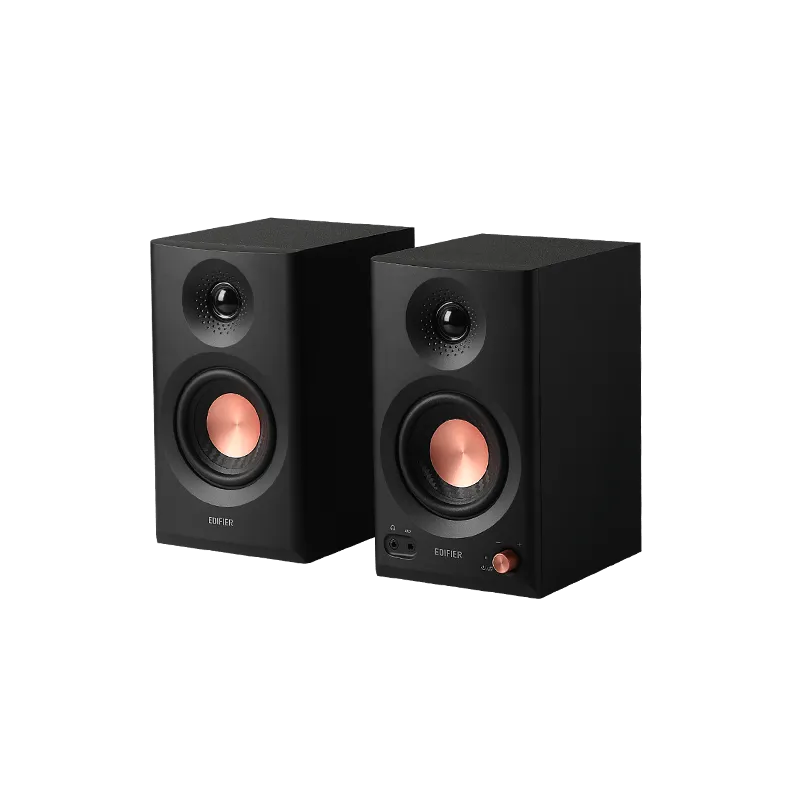
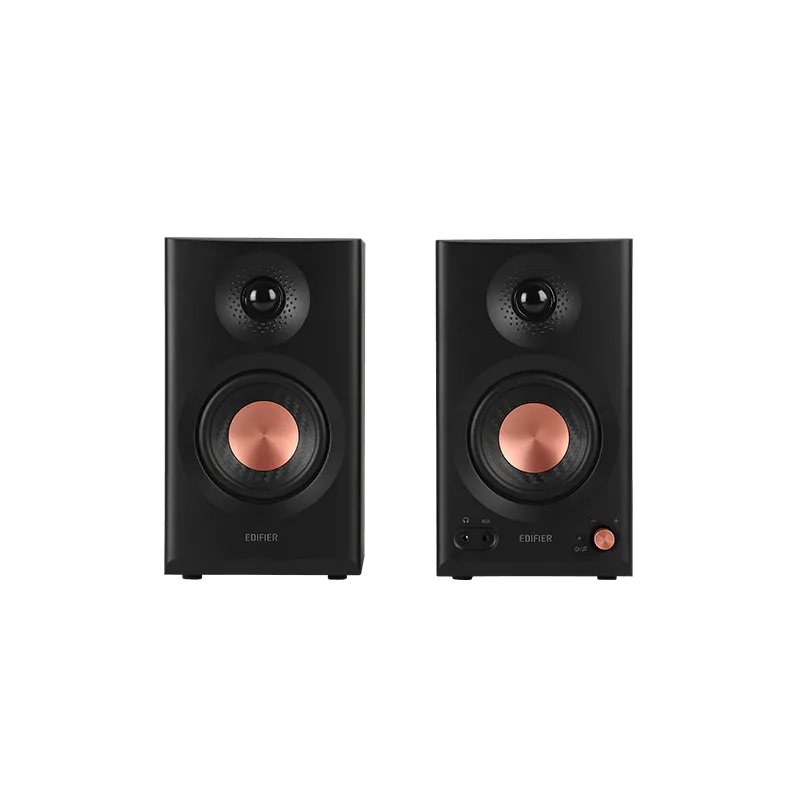
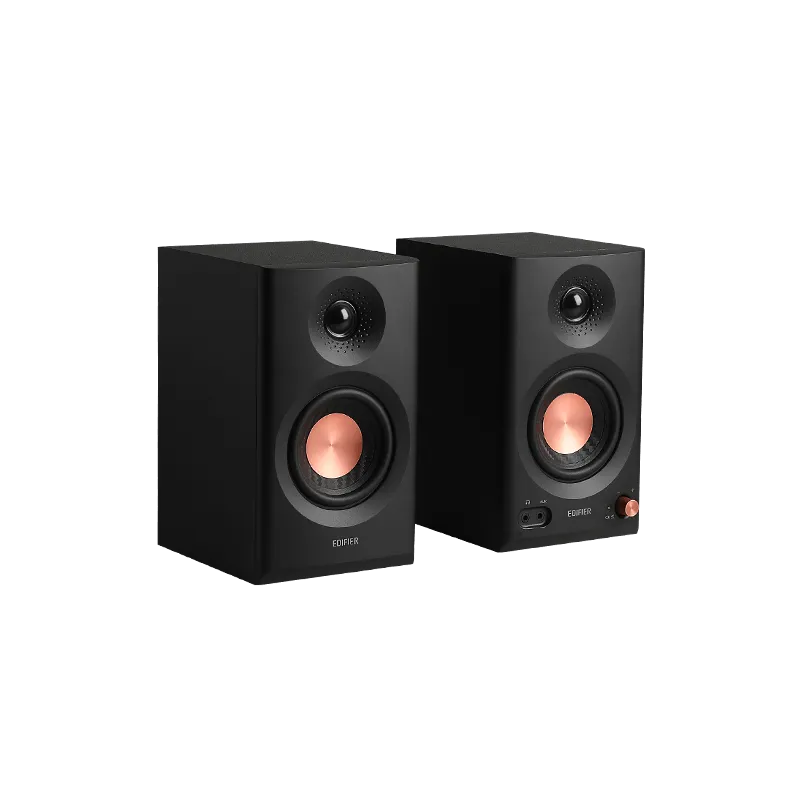
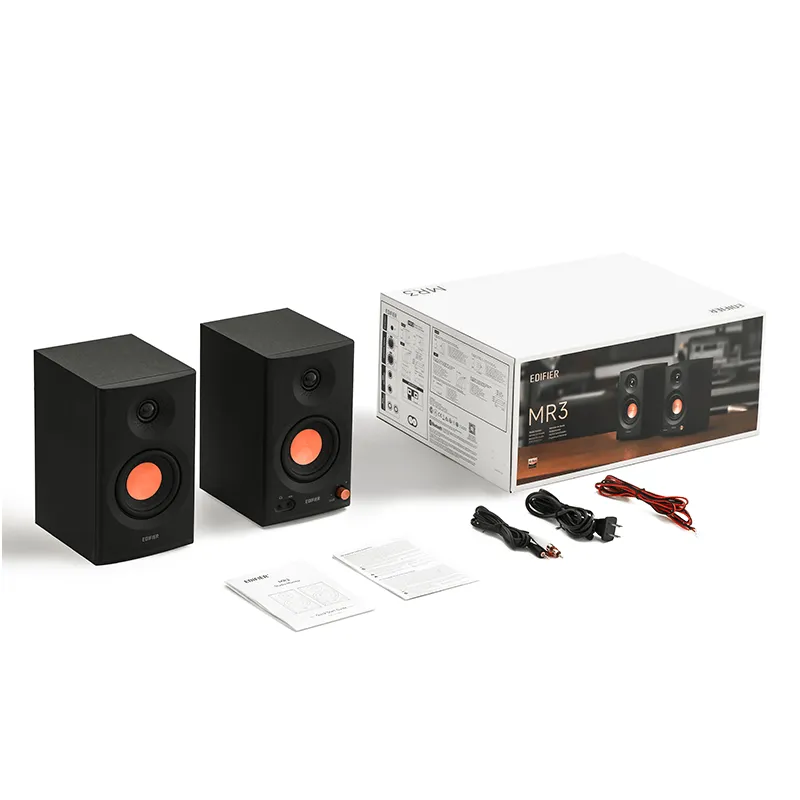
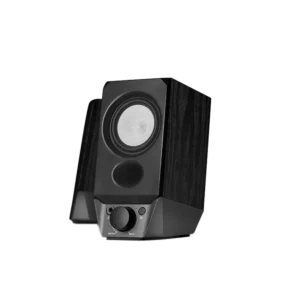
- Dual Driver System: These monitors use a dedicated $3.5$-inch woofer for rich lows and mids, paired with a $1$-inch silk dome tweeter for sparkling, precise highs. Furthermore, Edifier uses advanced DSP technology to ensure the bass is controlled and the sound remains balanced, even at higher volumes.
- Built-in Amplifier: The system is self-powered (active), meaning you don’t need to buy a separate amplifier. You just plug them in and connect to your audio source.
Connectivity Made Simple
The MR3 handles all your connection needs.
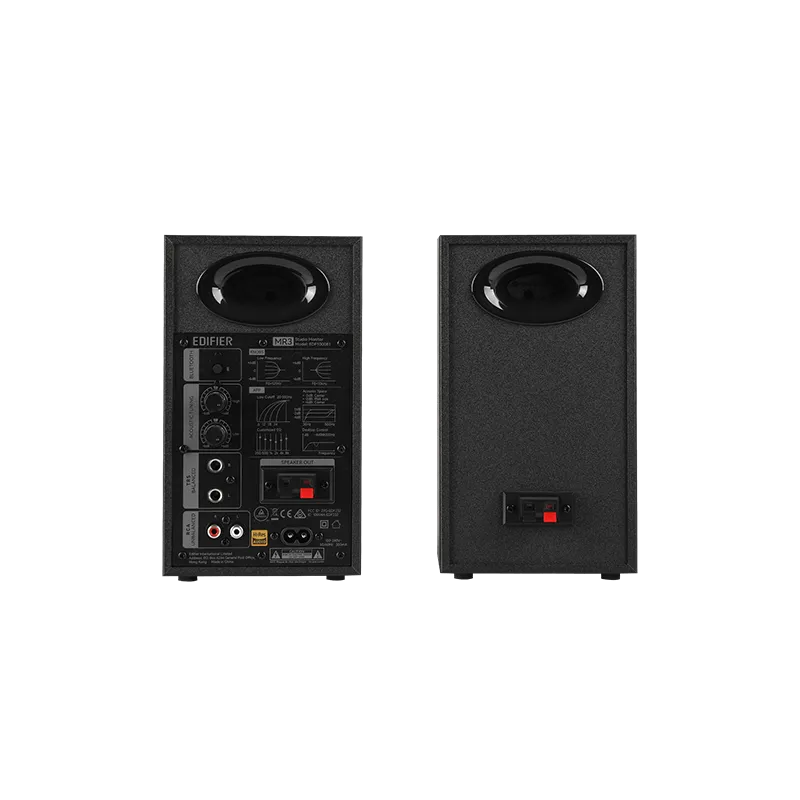
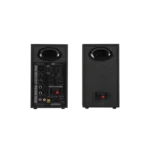
- Studio Connectivity: Importantly, it includes professional Balanced TRS Inputs so you can connect directly to studio mixers, audio interfaces, or high-end equipment with minimal noise.
- Everyday Connectivity: However, you can also use the standard RCA and AUX inputs to connect to your PC, laptop, or gaming console.
- Front-Facing Headphone Jack: This is a huge convenience! Therefore, you can instantly plug in your headphones for private mixing or listening without having to reach around the back of your computer.
Upgrade your workspace and hear your music with pristine accuracy. Get the Edifier MR3 Monitor Speakers today, available now at FonePro.pk!
Edifier MR3 2.0 Monitor Speaker System: Hear What’s Real
1. What is the difference between the MR3 and a regular speaker?
The MR3 is a monitor speaker.1 Essentially, Edifier designed it to produce sound as accurately as possible; it doesn’t boost the bass or treble. In contrast, regular speakers often color the sound to make music “sound good” instantly. Therefore, the MR3 is perfect for anyone creating music or editing video because it lets you hear the truest version of your audio.
2. Does the MR3 have separate controls for Bass and Treble?
Yes, it does. Although the default sound is flat, you can certainly tune it. Specifically, the back panel gives you knobs to adjust the High and Low frequencies. This allows you to manually compensate for the specific acoustics of your room.
3. How do I connect the MR3 to professional audio gear?
The MR3 offers professional inputs.2 Importantly, it includes a Balanced TRS input (3$1/4$-inch jacks).4 You connect this directly to your audio interface or mixer, which ensures a clean signal with virtually no noise or interference
4. Can I use my phone or tablet with the MR3?
Absolutely. You can connect wirelessly using Bluetooth V5.4 for seamless streaming from any modern device.5 In addition, you can also use the standard RCA and AUX inputs to connect to your computer, TV, or phone with a cable.6
5. Why does the MR3 have a headphone jack on the front?
This is a key convenience feature for creators. Consequently, you can instantly plug in your headphones for private monitoring or mixing. You avoid having to reach around the back of the speaker or your PC, making your workflow much faster.
Reviews
There are no reviews yet